

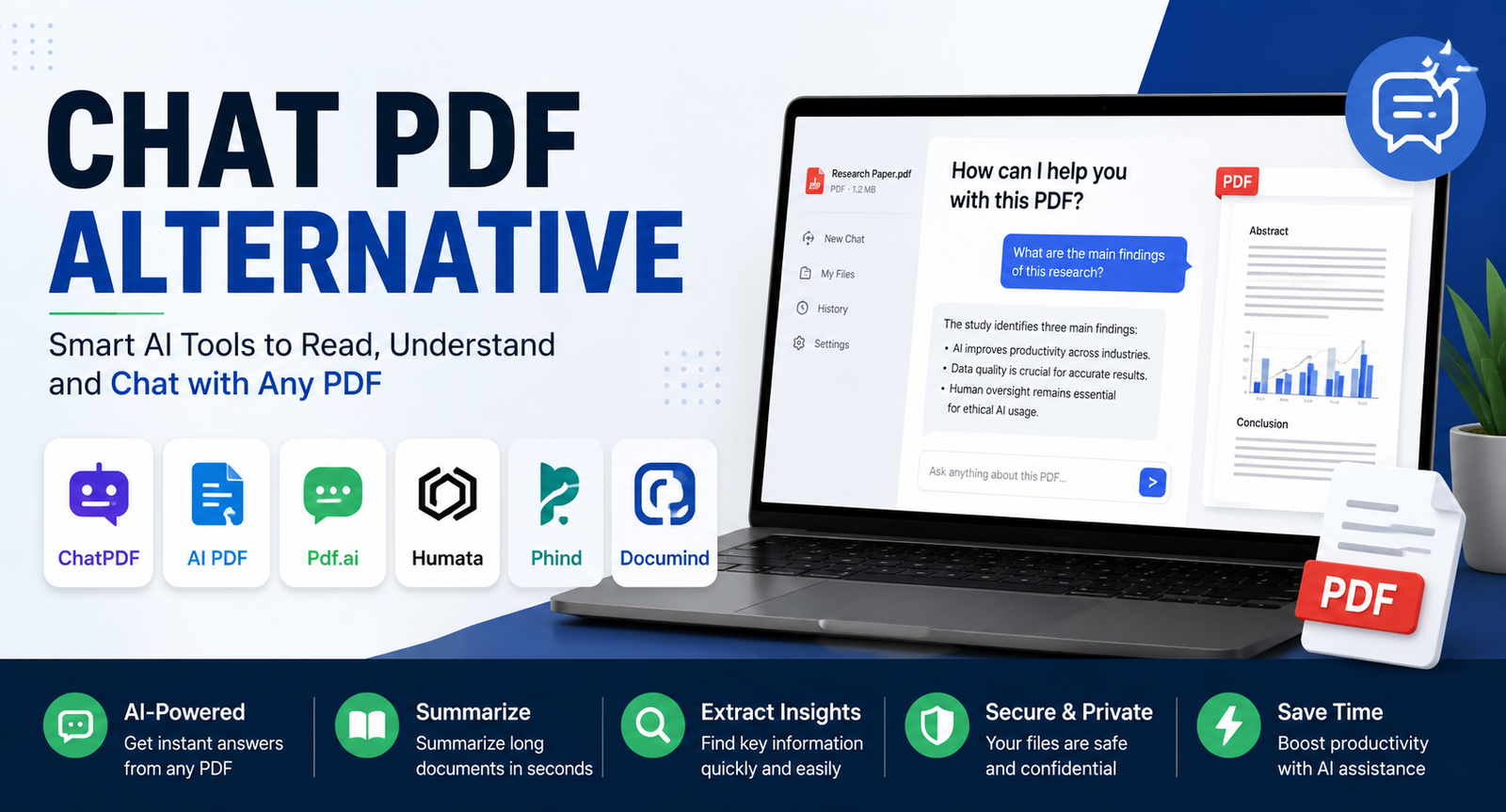
Artificial intelligence has transformed the way people interact with documents. Instead of manually reading hundreds of pages, users can now upload PDFs and ask questions, generate summaries, extract insights, and locate specific information within seconds. ChatPDF helped popularize this approach, but many users quickly discover its limitations when handling larger documents, complex research papers, business reports, or multiple files.
That's why the search for a reliable chat pdf alternative has grown significantly. Whether you're a student reviewing research papers, a professional analyzing reports, or a business team managing documentation, the right AI document assistant can dramatically improve productivity.
This guide reviews the best alternatives available today, compares their strengths, and helps you choose the right tool based on your specific needs.
Why People Search for a Chat PDF Alternative
ChatPDF remains useful for basic PDF conversations, but users often need more advanced capabilities.
Common reasons people switch include:
Better document understanding
Multi-document analysis
More accurate citations
Larger context windows
Enhanced OCR capabilities
Stronger research features
Better privacy controls
Team collaboration options
As AI document intelligence evolves, newer platforms offer features that go far beyond simple PDF chatting.
How We Evaluated These Tools
To identify the best options, we focused on the factors that matter most to real users:
Document analysis accuracy
Summary quality
Citation reliability
OCR performance for scanned PDFs
Multi-file support
User experience
Pricing and value
Privacy and security features
Rather than focusing solely on marketing claims, this evaluation considers practical usability for everyday document workflows.
Quick Comparison of the Best Chat PDF Alternative Tools
Best Chat PDF Alternative Tools Reviewed
ChatGPT
ChatGPT has become one of the most versatile AI document analysis tools available. Users can upload PDFs, ask detailed questions, generate summaries, and compare information across multiple files.
Its biggest advantage is flexibility. Unlike many dedicated PDF tools, ChatGPT can combine document analysis with reasoning, content creation, and research assistance.
For general AI users seeking a powerful chat pdf alternative, ChatGPT remains one of the strongest choices.
Claude
Claude excels at handling lengthy documents and maintaining context across large files.
Users frequently choose Claude when reviewing contracts, reports, technical manuals, and academic papers. Its responses often feel more nuanced and detailed than many competitors.
The large context window makes it particularly effective for users working with complex documentation.
Google NotebookLM
NotebookLM has become a favorite among researchers and knowledge workers.
Instead of simply chatting with a PDF, NotebookLM creates a knowledge base from uploaded sources. Users can connect multiple documents, generate summaries, and explore relationships between ideas.
This approach makes NotebookLM one of the best AI research assistants currently available.
SciSpace
SciSpace focuses specifically on academic research.
Researchers can upload scientific papers, ask questions about methodologies, review findings, and simplify technical language. Built-in citation support makes it highly valuable for students and academics.
Anyone conducting literature reviews will appreciate SciSpace's research-focused workflow.
AskYourPDF
AskYourPDF delivers a straightforward experience centered on conversational document interaction.
The platform supports document uploads, summarization, question answering, and information extraction. Its simplicity appeals to users who want quick results without a steep learning curve.
Humata AI
Humata AI is designed for professional and business environments.
The platform handles large document collections effectively and helps teams extract insights from reports, manuals, and internal knowledge bases.
Organizations managing extensive documentation often find Humata more scalable than traditional PDF chat solutions.
ChatDOC
ChatDOC specializes in detailed document exploration.
Users can highlight specific sections, ask contextual questions, and receive precise answers linked directly to document content.
Its focus on document structure makes it useful for professionals reviewing technical or financial materials.
Scholarcy
Scholarcy is tailored toward research paper analysis.
Instead of generating generic summaries, it creates structured breakdowns of key findings, methodologies, and conclusions.
Students and researchers can save significant time when reviewing academic literature.
Perplexity AI
Perplexity combines document analysis with live web research.
This unique capability allows users to compare information from uploaded PDFs with current online sources, creating a more comprehensive research experience.
For users who need both document intelligence and external validation, Perplexity offers a compelling solution.
Consensus
Consensus focuses on scientific evidence and peer-reviewed research.
The platform helps users discover relevant studies, understand findings, and evaluate scientific consensus on specific topics.
It serves as an excellent companion tool for evidence-based research workflows.
Best Chat PDF Alternative for Different Users
Different users have different requirements. Choosing the right tool depends largely on your goals.
For example, a university student preparing a literature review will likely benefit more from SciSpace than a general-purpose chatbot. Meanwhile, a business analyst reviewing quarterly reports may find Humata AI more practical.
Best Free Chat PDF Alternative Options
Not every user wants to pay for document analysis software.
The strongest free options currently include:
NotebookLM
Google's NotebookLM provides generous functionality without requiring a paid subscription for many use cases.
ChatGPT Free Version
Although some advanced capabilities are limited, the free version still handles document uploads and analysis effectively.
Perplexity AI
Perplexity offers valuable free research capabilities and citation support.
SciSpace
Students often benefit from SciSpace's free research tools before upgrading.
These platforms provide sufficient functionality for many users without requiring immediate investment.
Best Chat PDF Alternative for Research Papers
Academic research requires more than simple summarization.
Researchers often need:
Citation extraction
Literature review support
Evidence verification
Cross-document analysis
Research paper simplification
NotebookLM, SciSpace, Consensus, and Scholarcy perform exceptionally well in these areas.
For instance, a graduate student reviewing 20 journal articles can use NotebookLM to organize sources, identify patterns, and generate summaries significantly faster than manual methods.
Best Chat PDF Alternative for Business and Enterprise Use
Business users face unique challenges.
Common requirements include:
Internal knowledge management
Policy review
Compliance documentation
Team collaboration
Data security
Humata AI, Claude, and NotebookLM are strong choices for enterprise workflows.
Organizations increasingly use AI document assistants to reduce time spent searching through manuals, reports, and operational documents.
OCR and Scanned PDF Performance
Many users overlook OCR capabilities when selecting a chat pdf alternative.
OCR (Optical Character Recognition) determines how effectively a tool reads scanned documents and image-based PDFs.
If you regularly work with scanned contracts, invoices, or historical documents, OCR quality should be a major consideration.
Security and Privacy Considerations
Document privacy has become increasingly important.
Users often upload:
Financial records
Legal agreements
Internal reports
Research data
Sensitive business documents
Before choosing a platform, review:
Data retention policies
Encryption standards
GDPR compliance
Enterprise security certifications
AI training policies
Organizations handling confidential information should prioritize vendors that provide transparent security practices and robust privacy protections.
AI Models and Why They Matter
Many users focus on features while ignoring the underlying AI model.
The model powering a platform significantly affects:
Accuracy
Reasoning ability
Context retention
Summarization quality
Citation reliability
For example:
Understanding these differences helps users select tools aligned with their specific workflows.
Common Mistakes When Choosing a Chat PDF Alternative
Many buyers make avoidable mistakes.
Choosing Based Only on Price
A free tool may become expensive if it reduces productivity or produces inaccurate results.
Ignoring Citation Quality
Researchers and students need trustworthy references, not just summaries.
Overlooking OCR Performance
Poor OCR can make scanned documents nearly unusable.
Forgetting Privacy Requirements
Security should never be an afterthought when uploading sensitive information.
Not Considering Future Needs
Many users start with simple PDF summaries but later require collaboration, integrations, or multi-document analysis.
Choosing a scalable solution can prevent future migration headaches.
Future of AI Document Intelligence
AI document assistants are evolving rapidly.
Emerging trends include:
Multi-document reasoning
AI research agents
Voice-based document interaction
Automated knowledge extraction
Workflow automation
Advanced citation verification
The next generation of tools will likely function as complete knowledge assistants rather than simple PDF chat interfaces.
Users who adopt these technologies early can gain significant productivity advantages across research, education, and business environments.
Conclusion
Finding the right chat pdf alternative depends on your specific needs. While ChatPDF remains useful for basic document conversations, modern AI tools offer much broader capabilities.
For general users, ChatGPT provides excellent versatility. Researchers will likely prefer NotebookLM or SciSpace. Businesses may benefit from Humata AI, while professionals working with long documents often gravitate toward Claude.
The best approach is to focus on accuracy, privacy, document complexity, and workflow requirements rather than choosing solely based on popularity. As AI document intelligence continues to advance, users now have more powerful options than ever before.
Frequently Asked Questions
What is the best Chat PDF alternative overall?
ChatGPT is often considered the best overall option because it combines document analysis, reasoning, content generation, and multi-document support.
Which chat pdf alternative is best for research papers?
NotebookLM, SciSpace, and Consensus are among the strongest choices for academic research and literature reviews.
Is ChatGPT better than ChatPDF?
For many users, yes. ChatGPT offers broader capabilities, stronger reasoning, and support for more complex workflows.
Which AI tool handles large PDFs best?
Claude is widely recognized for its ability to maintain context across lengthy documents.
Are AI PDF tools safe to use?
Most reputable platforms implement security measures, but users should always review privacy policies before uploading sensitive files.
What is the best free chat pdf alternative?
NotebookLM, ChatGPT Free, and Perplexity AI offer some of the most capable free options available today.
Can AI analyze multiple PDFs at once?
Yes. Several platforms, including NotebookLM, ChatGPT, Claude, and Humata AI, support multi-document analysis.
Leave a Reply