

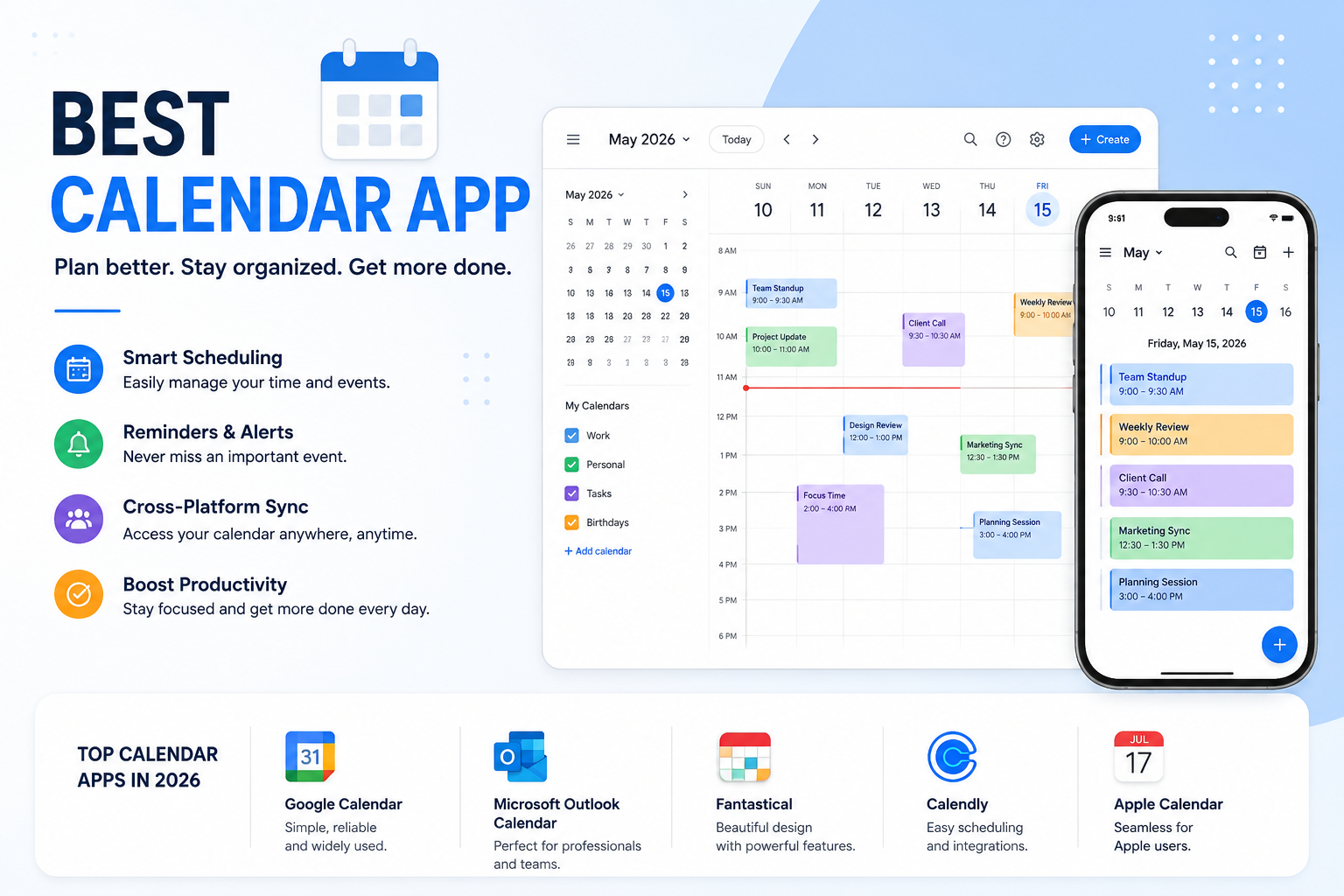
Managing your schedule has never been more important. Whether you're planning business meetings, organizing family events, keeping track of assignments, or simply remembering birthdays, the right calendar app can make your daily routine much easier. Modern calendar apps do much more than display dates—they help you schedule meetings, set reminders, sync across devices, collaborate with others, and even use artificial intelligence to optimize your time.
With dozens of options available, choosing the best calendar app can feel overwhelming. Some apps are designed for professionals who need advanced scheduling, while others focus on families, students, or privacy-conscious users. The best choice depends on your devices, workflow, and personal preferences.
This guide compares the best calendar apps of 2026 based on usability, features, cross-platform compatibility, integrations, pricing, security, and overall value. Whether you're looking for the best calendar app free, the best personal calendar app, or the best free calendar app to sync multiple calendars, you'll find the right option here.
How We Evaluated These Calendar Apps
Every app in this guide was assessed using practical criteria that matter to everyday users and businesses alike:
Ease of use
Cross-device syncing
Calendar sharing and collaboration
AI-powered scheduling
Third-party integrations
Offline access
Privacy and security
Pricing and free plan value
Customer support and reliability
Rather than recommending a single app for everyone, we've highlighted where each solution performs best so you can choose the one that matches your needs.
Quick Comparison
Best Calendar Apps in 2026
1. Google Calendar
Google Calendar remains one of the most popular calendar apps worldwide because it combines simplicity with powerful scheduling tools. It works seamlessly across Android phones, iPhones, tablets, and desktop browsers, making it a reliable option for users who switch between devices.
Creating events takes only a few clicks, and invitations can be sent directly through Gmail. Smart reminders, recurring events, meeting links, and color-coded calendars help keep everything organized.
Best Features
Free cloud synchronization
Gmail integration
Google Meet scheduling
Shared calendars
Multiple calendar support
Smart reminders
Pros
Completely free for most users
Excellent synchronization
Easy sharing with family or teams
Works on almost every device
Cons
Limited customization
AI scheduling isn't as advanced as newer competitors
Best For
Students, professionals, freelancers, and anyone looking for a reliable everyday calendar.
2. Microsoft Outlook Calendar
Outlook Calendar is a top choice for businesses and professionals already using Microsoft 365. It combines email, calendars, contacts, and task management into a single workspace.
Its intelligent scheduling assistant helps find meeting times based on participants' availability, making collaboration much easier.
Best Features
Microsoft Teams integration
Shared business calendars
Meeting scheduling assistant
Outlook email integration
Enterprise-level security
Pros
Ideal for corporate environments
Excellent team collaboration
Strong security features
Cons
Can feel overwhelming for casual users
Premium features require Microsoft 365
Best For
Business professionals, remote teams, and organizations.
3. Apple Calendar
Apple Calendar is built directly into iPhones, iPads, Macs, and Apple Watches. It offers a clean interface that perfectly matches Apple's ecosystem.
Siri can create events using voice commands, while iCloud keeps calendars synchronized across all Apple devices.
If you're searching for the Best calendar app blog for iPhone or Best calendar app blog iOS, Apple Calendar deserves serious consideration because of its seamless integration with Apple's hardware and software.
Best Features
Siri support
iCloud synchronization
Natural language event creation
Family sharing
Travel time notifications
Pros
Completely free
Beautiful interface
Excellent Apple integration
Cons
Limited support for Android users
Fewer advanced features than premium apps
Best For
Apple users who want simplicity without installing extra software.
4. Fantastical
When discussing premium calendar experiences, Fantastical Calendar consistently ranks among the very best. Its polished design, intelligent scheduling, and natural language processing make it a favorite among productivity enthusiasts.
Typing phrases like "Lunch with Sarah tomorrow at 1 PM" instantly creates calendar events without filling multiple fields.
Fantastical also combines reminders, weather forecasts, video meeting links, and calendar management into one elegant dashboard.
Best Features
Natural language scheduling
Beautiful interface
Weather integration
Conference call support
Calendar sets
Task management
Pros
Exceptional user experience
Fast event creation
Excellent for busy professionals
Cons
Best features require a subscription
Primarily focused on Apple devices
Best For
Power users, executives, and professionals who manage complex schedules.
5. Notion Calendar
Notion Calendar has quickly become one of the most exciting productivity tools available. It connects directly with your Notion workspace, making project management and scheduling work together naturally.
Instead of switching between multiple applications, users can manage documents, tasks, notes, and meetings from one ecosystem.
Best Features
Notion integration
Multiple calendar views
Meeting scheduling
Keyboard shortcuts
Cross-platform support
Pros
Modern interface
Excellent productivity features
Great for project planning
Cons
Some advanced workflows require Notion familiarity
Best For
Content creators, startups, and productivity-focused users.
6. Motion
Motion takes scheduling to another level using artificial intelligence. Instead of manually arranging your calendar, Motion automatically builds your daily schedule based on deadlines, priorities, meetings, and available time.
If a meeting gets canceled or delayed, Motion intelligently reorganizes your day.
Best Features
AI scheduling
Automatic task prioritization
Smart meeting planner
Deadline management
Productivity analytics
Pros
Saves significant planning time
Reduces scheduling conflicts
Great for busy professionals
Cons
No permanent free plan
Premium pricing
Best For
Executives, entrepreneurs, consultants, and freelancers juggling multiple projects.
7. Calendar.com
Calendar.com combines traditional calendar management with appointment scheduling. Users can create booking links similar to online scheduling platforms while still maintaining a full-featured calendar.
Its AI-powered analytics also provide insights into how your time is spent.
Best Features
Booking pages
AI analytics
Team scheduling
Calendar syncing
Multiple time zones
Pros
Excellent scheduling features
User-friendly interface
Helpful productivity reports
Cons
Smaller ecosystem than Google or Microsoft
Best For
Consultants, agencies, coaches, and client-facing businesses.
8. Cal.com
Cal.com has become increasingly popular among developers, startups, and businesses looking for an open and customizable scheduling platform.
Unlike many proprietary scheduling tools, Cal.com offers open-source flexibility while supporting integrations with Google Calendar, Outlook, Zoom, Slack, and many other services.
Best Features
Open-source platform
Appointment booking
Team scheduling
Workflow automation
API integrations
Pros
Highly customizable
Excellent for developers
Strong collaboration tools
Cons
Requires some technical knowledge for advanced customization
Best For
Developers, SaaS companies, startups, and remote teams.
9. TimeTree
TimeTree is designed for people who need to share schedules with others. Whether you're organizing family events, planning trips with friends, or managing a team, it makes collaboration simple.
Shared calendars, comments on events, and reminders help everyone stay on the same page.
Best Features
Shared calendars
Event comments
Group scheduling
Cross-platform syncing
Color-coded events
Pros
Easy collaboration
User-friendly interface
Free to use
Cons
Limited advanced productivity features
Best For
Families, couples, and small groups.
10. Cozi Family Organizer
Cozi is widely recognized as one of the Best family calendar app free options. It combines a shared family calendar with shopping lists, meal planning, and to-do lists in one app.
Parents can organize school events, appointments, sports activities, and family reminders without switching between multiple apps.
Best Features
Shared family calendar
Shopping lists
Meal planner
To-do lists
Birthday reminders
Pros
Designed specifically for families
Simple setup
Excellent free plan
Cons
Limited business features
Best For
Busy families managing multiple schedules.
11. Proton Calendar
Privacy-focused users will appreciate Proton Calendar. Built with end-to-end encryption, it ensures your schedule remains private and secure.
Unlike many mainstream services, Proton doesn't monetize user data.
Best Features
End-to-end encryption
Secure cloud sync
Privacy-first approach
Clean interface
Pros
Outstanding privacy
Strong security
Easy to use
Cons
Fewer integrations than competitors
Best For
Privacy-conscious individuals and businesses.
12. Any.do Calendar
Any.do combines task management and calendar planning into a single workspace.
Users can manage appointments, deadlines, shopping lists, and daily tasks without needing separate apps.
Best Features
Task integration
Daily planner
Smart reminders
Cross-device sync
Pros
Great productivity tool
Attractive design
Easy navigation
Cons
Some premium features require a subscription
Best For
Individuals looking for a combined planner and calendar.
Best Calendar Apps by Use Case
Free vs Paid Calendar Apps
If you're looking for the Best calendar app free, Google Calendar, Apple Calendar, TimeTree, and Cozi offer excellent value without requiring a subscription.
Features to Look for in a Calendar App
Choosing the right calendar isn't just about appearance. Consider these important features before making a decision:
Cross-Platform Sync
Your calendar should automatically sync between your phone, tablet, desktop, and web browser.
AI Scheduling
Modern AI features can automatically organize meetings, prioritize tasks, and optimize your daily schedule.
Shared Calendars
Families and teams benefit from shared calendars that allow everyone to stay informed.
Third-Party Integrations
Look for integrations with tools like Zoom, Slack, Microsoft Teams, Gmail, Notion, Trello, and Asana.
Offline Access
Offline functionality ensures you can view your schedule even without an internet connection.
Security and Privacy
Business users and privacy-conscious individuals should prioritize encrypted calendars and strong account protection.
Best Free Calendar App to Sync Multiple Calendars
Many people use separate calendars for work, personal life, school, and side projects. The Best free calendar app to sync multiple calendars should make managing everything effortless.
Top choices include:
Google Calendar
Outlook Calendar
Apple Calendar
Calendar.com
TimeTree
These apps let you combine multiple calendars into one view while keeping events organized with different colors and categories.
How to Choose the Best Calendar App
Ask yourself these questions before deciding:
Do you mainly use Android, iPhone, Windows, or Mac?
Do you need AI scheduling?
Will you share your calendar with family or coworkers?
Is privacy important?
Do you need appointment booking?
Do you prefer a free solution or premium productivity features?
For most users, Google Calendar provides the best balance of simplicity, reliability, and cross-platform support. Professionals managing complex schedules may prefer Fantastical or Motion, while families should consider Cozi or TimeTree.
Common Mistakes When Choosing a Calendar App
Avoid these common mistakes:
Choosing an app that doesn't sync across devices
Ignoring privacy settings
Paying for features you don't need
Forgetting integration compatibility
Not testing the free version first
Overlooking collaboration tools
Trying a few free options before upgrading is often the best way to find the perfect fit.
Frequently Asked Questions
What is the best calendar app overall?
Google Calendar remains one of the best all-around options because it's free, reliable, and works across nearly every platform.
What is the best free calendar app?
Google Calendar, Apple Calendar, TimeTree, and Cozi all offer excellent free plans with useful features.
Which calendar app is best for iPhone users?
Apple Calendar and Fantastical are outstanding choices for iPhone, iPad, and Mac users.
Which calendar app is best for families?
Cozi Family Organizer and TimeTree are among the best family calendar apps thanks to their shared scheduling tools.
Are AI calendar apps worth it?
Yes. Apps like Motion use AI to automatically organize meetings and tasks, saving time and reducing scheduling conflicts.
Can I sync multiple calendars into one app?
Yes. Google Calendar, Outlook Calendar, and Calendar.com allow you to sync multiple calendars from different accounts.
Which calendar app is the most secure?
Proton Calendar is one of the most secure options, offering end-to-end encryption and a strong focus on user privacy.
Conclusion
The best calendar app depends on your lifestyle, devices, and scheduling needs. If you want a dependable free solution, Google Calendar is hard to beat. Apple users will appreciate the seamless experience of Apple Calendar and Fantastical, while professionals can boost productivity with Motion, Outlook Calendar, or Calendar.com. Families benefit from Cozi and TimeTree, and privacy-focused users can rely on Proton Calendar.
Before committing to a premium subscription, test a few free options to see which interface and features fit your workflow. A well-chosen calendar app can simplify your schedule, improve productivity, and help you stay organized every day.
Leave a Reply