

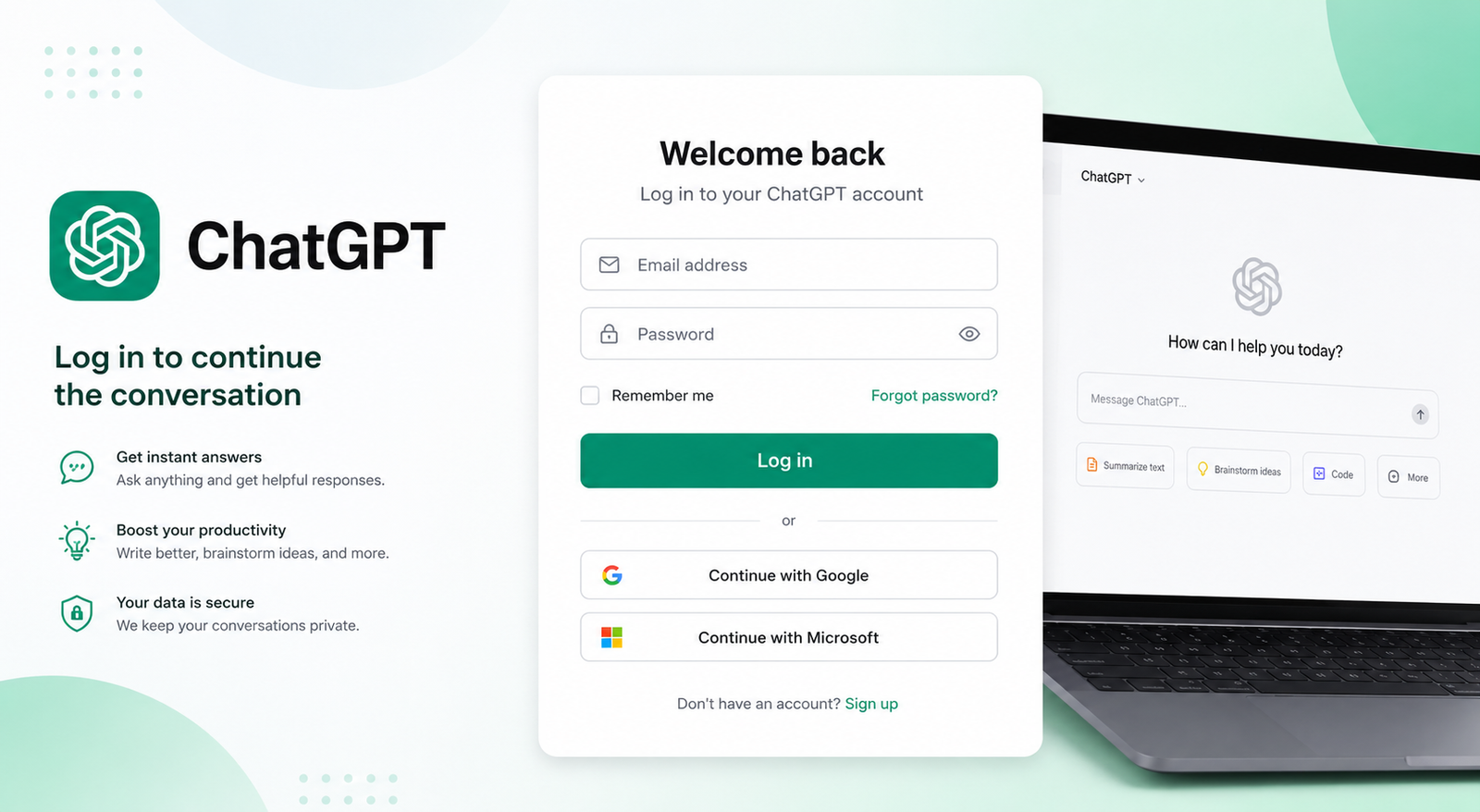
Looking for ChatGPT login? Signing in is usually quick, but problems can occur if you use the wrong authentication method, have outdated browser data, or encounter a temporary service issue.
To access your account, go to ChatGPT, select Log in, and continue with the sign-in method associated with your account. Depending on how your account was created, this may involve an email and password or a provider such as Google, Microsoft, or Apple. OpenAI also supports additional authentication and security options for eligible accounts.
This guide explains how to log in, create an account, access ChatGPT on mobile, reset a password, and troubleshoot common ChatGPT login problems.
ChatGPT Login: Quick Steps
If you already have an account, the basic process is straightforward:
Open the official ChatGPT website.
Select Log in.
Enter your account email or follow the available sign-in prompt.
Choose the authentication method associated with your account.
Complete any requested verification.
Once authenticated, you can access your ChatGPT account.
If you originally registered using Google, Microsoft, or Apple, using the same provider is particularly important. OpenAI notes that different authentication methods can result in different account-access behavior.
For security, avoid entering your credentials on unfamiliar websites claiming to offer an OpenAI login or free ChatGPT access.
How to Create a ChatGPT Account
If you don't already have an account, you can start from ChatGPT and follow the signup process.
Create an Account With Email
Enter the requested email information and follow the instructions shown during registration. If your account uses an email-and-password login, you can later reset the password through the standard recovery process if you forget it.
Sign Up With Google, Microsoft, or Apple
Depending on the available options, you may be able to use a supported identity provider to authenticate.
One important point is to remember how you originally registered.
For example, if you created your account using Continue with Google, repeatedly trying to reset a nonexistent ChatGPT password will not solve the problem. Social-login accounts may not have a separate OpenAI password to reset.
Do You Need to Pay to Use ChatGPT?
No paid subscription is automatically required simply to access ChatGPT. OpenAI currently states that ChatGPT can be used for free, and in supported situations users can even try ChatGPT before creating an account. However, logging in or creating an account allows you to access account-based features such as saved chat history.
ChatGPT Login Methods Compared
Different users may have different authentication options. The best choice is generally the method associated with the account you are trying to access.
OpenAI currently supports passkeys for eligible accounts. A passkey can use device-based security such as biometrics, a device PIN, or a security key instead of requiring a traditional password.
How to Log In to ChatGPT on Mobile
You can access ChatGPT from a mobile device through the official app or supported mobile web experience.
ChatGPT Login on Android
Open the ChatGPT app and select the option to log in or sign up. Follow the authentication prompts and use the method connected to your account.
The exact appearance of the Android login screen can change as OpenAI updates the app, so don't rely on older screenshots that show a different interface.
ChatGPT Login on iPhone and iPad
On iPhone or iPad, open the official ChatGPT app and begin the sign-in process. Follow the authentication prompts displayed on your device.
If you have already configured your account for a particular authentication method, use that method when prompted.
Can You Use ChatGPT From a Mobile Browser?
Yes. You can access ChatGPT through a supported mobile browser. If the login page behaves incorrectly, try a private browsing window, another browser, or a different network.
Forgot Your ChatGPT Password? Here's What to Do
If you created your account using an email and password, you can use the password recovery process.
Open the ChatGPT login page, enter the email address or phone number requested by the current sign-in flow, continue to the password screen, and select Forgot password? when available. Follow the instructions in the password-reset email.
What If You Signed Up With Google, Microsoft, or Apple?
This is one of the most common sources of confusion.
If you originally created the account through Google, Microsoft, or Apple, you may not have a separate ChatGPT password to reset. Instead, sign in through the provider you originally used. If you need to change that provider's password, use the provider's own account-recovery process.
There is also an important distinction for accounts originally created with email and password. OpenAI says those accounts may later be able to use a matching social-login method, while accounts originally created through social login generally cannot simply switch to an email-and-password login.
What If You No Longer Have Access to Your Email?
If you cannot access the inbox associated with your account, normal self-service password recovery may not be enough. In that situation, follow OpenAI's official support process rather than trying random login methods or third-party recovery services.
ChatGPT Login Problems and How to Fix Them
If Chat GPT login isn't working, don't immediately assume your account is broken. Login failures can result from browser settings, authentication mismatches, network problems, or temporary service issues.
Try these fixes in order.
1. Check Your Internet Connection
Make sure your connection is stable. If you're on Wi-Fi, try mobile data or another trusted network.
2. Try an Incognito or Private Window
Cached information and browser extensions can interfere with authentication. Open a private window and try signing in again.
OpenAI specifically recommends incognito/private browsing when troubleshooting several login problems.
3. Clear Your Browser Cache and Cookies
Old cookies or session information can prevent a login flow from completing correctly.
Clear the relevant browser data and then reopen the ChatGPT login page.
4. Temporarily Disable Browser Extensions
Ad blockers, privacy extensions, script blockers, and similar tools can sometimes interfere with authentication.
If login works after disabling an extension, enable your extensions one at a time to identify the conflict.
5. Try Another Browser or Device
If the problem continues, try another current browser or device.
For example, if ChatGPT login fails in Chrome, test the process in Edge, Firefox, or Safari.
6. Check for a Service Problem
Sometimes the problem isn't on your computer at all.
If ChatGPT previously worked and suddenly stopped accepting logins, check the official OpenAI service-status information before changing numerous browser settings. OpenAI recommends checking service status for generic login errors.
Common ChatGPT Login Errors Explained
OpenAI's current troubleshooting guidance specifically recommends checking the authentication method, clearing browser data, trying private browsing, disabling problematic extensions, switching browsers or devices, and checking network conditions.
Why Does ChatGPT Keep Sending You Back to the Login Page?
A repeated login loop is often related to browser sessions rather than your password.
Try this sequence:
Sign out → clear relevant cookies/site data → close the browser → reopen it → use private browsing → temporarily disable extensions → try another network.
If you're using a VPN or proxy, temporarily disabling it can also help. OpenAI specifically recommends checking VPNs, proxies, ad blockers, privacy tools, cookies, and JavaScript when users encounter browser verification loops.
Example
Suppose you enter your credentials successfully, but the page immediately returns to the login screen.
Instead of repeatedly entering the same password, open an incognito window and try again. If that works, the problem may be related to stored browser data or an extension.
Why Isn't My ChatGPT Verification Email Arriving?
Verification messages can sometimes be delayed or filtered.
Try the following:
Check your spam or junk folder.
Make sure you're checking the correct email account.
Confirm that the email address is entered correctly.
Request a new verification message if the interface provides that option.
Avoid repeatedly submitting requests in rapid succession.
Try the login process again from a clean browser session.
OpenAI also recommends using the latest verification code when multiple codes are requested because older codes may no longer be valid.
What Is the ChatGPT OTP Verification?
In some situations, OpenAI may ask for an additional verification step when you sign in. This can happen when you're using a new or unrecognized device or when additional security verification is required.
Depending on your account and device, this can involve a one-time email code or a push approval through the ChatGPT app.
If you receive a login request you did not initiate, don't approve it. Treat unexpected authentication requests as a security warning.
How to Choose the Correct ChatGPT Account
Having multiple Google, Microsoft, Apple, or email accounts can make ChatGPT login confusing.
For example, imagine you normally use one Gmail account for ChatGPT but accidentally select a second Google account when choosing Continue with Google. You may appear to have lost your conversations or subscription when you've actually signed into a different account.
Before assuming your data is missing:
Sign out.
Check which account you are using.
Select the correct authentication provider.
Sign in again.
Confirm that the expected account information is available.
OpenAI notes that different sign-in methods can create separate accounts and subscriptions, so using the correct account matters.
Is ChatGPT Login Free?
Creating or accessing a ChatGPT account does not automatically mean you need a paid subscription.
OpenAI states that ChatGPT is free to use, although access, limits, and available features can vary. Some users may also be able to try ChatGPT without creating an account, while logging in provides account-based functionality such as saved conversations.
If you're searching for ChatGPT OpenAI com login Free, make sure you're using the official ChatGPT experience rather than a third-party website claiming to provide free access.
How to Keep Your ChatGPT Account Secure
Logging in safely is just as important as getting access.
Use Strong Account Security
If your account uses a password, choose a strong, unique credential and avoid sharing it.
Protect Your Google, Microsoft, or Apple Account
If you use social authentication, protecting that underlying account is essential because it is part of your login path.
Consider a Passkey
Eligible OpenAI accounts can add a passkey from ChatGPT's security settings. Passkeys provide passwordless authentication using cryptographic credentials protected by your device or security key.
Review Active Sessions
OpenAI currently provides an Active sessions area under ChatGPT's security settings for reviewing recognized sessions and logging out of sessions when available. If you see activity you don't recognize, review your security settings and take appropriate account-protection steps.
Watch for Fake Login Pages
Never enter your ChatGPT credentials into a suspicious website simply because it uses terms such as “ChatGPT,” “OpenAI,” or “free login.”
When searching for OpenAI login, Login ChatGPT, or ChatGPT login and password, navigate through official OpenAI/ChatGPT destinations rather than relying on unfamiliar third-party login pages.
ChatGPT Login vs OpenAI Platform Login
The terms can be confusing because ChatGPT and OpenAI's developer platform are part of the same broader ecosystem.
If your goal is to chat with the AI, create conversations, or access ChatGPT features, you're looking for ChatGPT.
Developers working with APIs, organizations, or developer services may instead need the OpenAI API Platform.
Some authentication and account settings are connected across OpenAI products, but the purpose of the services is different. OpenAI's authentication documentation also covers ChatGPT and the API Platform separately.
Frequently Asked Questions About ChatGPT Login
What is the official ChatGPT login?
Use the official ChatGPT website and select Log in. Avoid entering credentials into third-party websites claiming to provide ChatGPT access.
How do I log in to ChatGPT?
Open ChatGPT, select Log in, and follow the authentication flow for your account. Use the sign-in method associated with your account.
Can I log in to ChatGPT with Google?
Yes, when the Google authentication option is available for your account. If you originally registered through Google, use that method when signing in.
Can I use ChatGPT without an account?
OpenAI currently says ChatGPT can be accessed without creating an account in supported countries and regions, although logged-out use has limitations and conversations aren't saved to your account history.
Why can't I log in to ChatGPT?
Common causes include using the wrong authentication method, browser cookies, extensions, network problems, VPN/proxy interference, or a temporary service issue. Try private browsing, another browser or device, and check OpenAI's service status.
How do I reset my ChatGPT password?
If your account uses email and password, select Forgot password? during the login process and follow the password-reset email. Social-login accounts may not have a separate password to reset.
Why am I not receiving my ChatGPT verification email?
Check your spam or junk folder, verify that you're checking the correct email account, and request a new code when appropriate. If you're still unable to authenticate, use OpenAI's official support guidance.
Final Takeaway
A successful ChatGPT login usually comes down to using the correct authentication method and accessing the official ChatGPT service. If something goes wrong, start with simple fixes such as private browsing, clearing cookies, disabling extensions, trying another browser or network, and checking for a service issue.
If you use Google, Microsoft, Apple, a passkey, or another authentication method, make sure you're using the method associated with the account you're trying to access. And if you encounter a serious account or security problem, rely on official OpenAI support rather than third-party recovery services.
Leave a Reply